
Preparing for Ohio Senate Bill 29 – Student Data Privacy Compliance
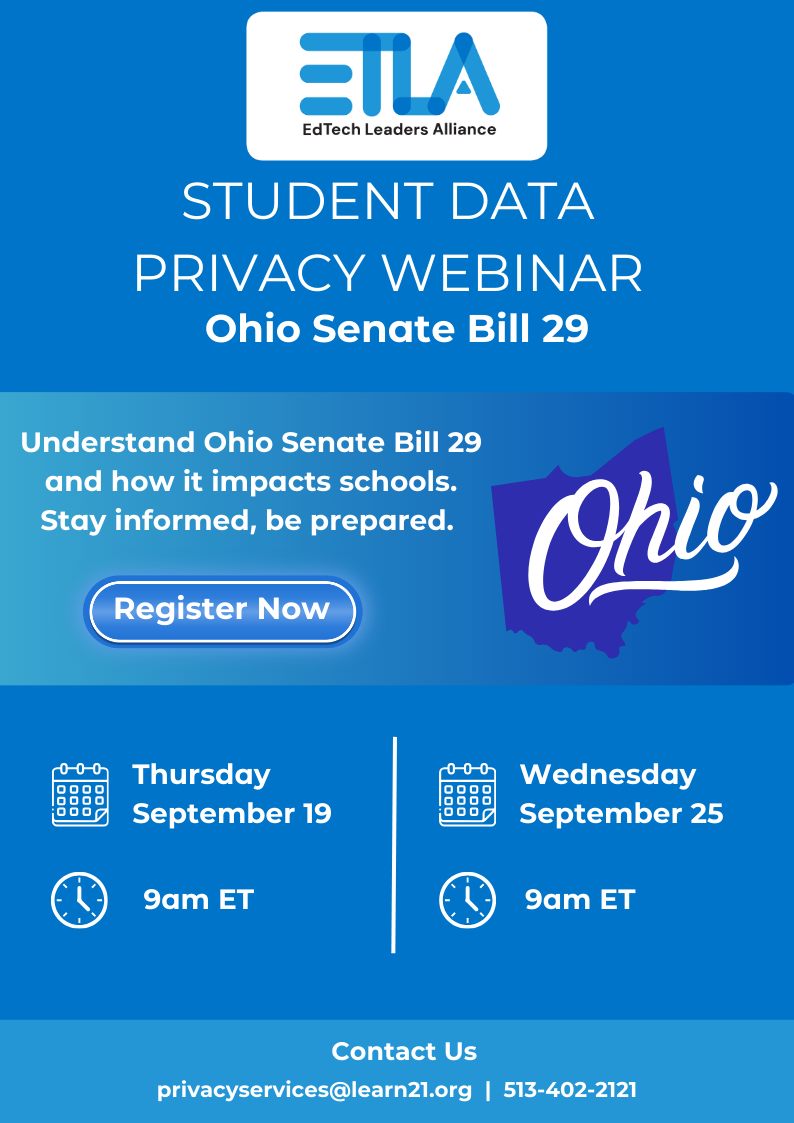
As we look ahead to October 24, 2024, it's crucial to understand the implications of Ohio Senate Bill 29 (SB29) which introduces significant updates to student data privacy compliance for Ohio schools. SB29 places new obligations on the Local Education Agencies (LEAs) and technology providers to safeguard student data. Schools must have a SB29 compliant Data Privacy Agreement (DPA) in place for every provider.
With the support of the EdTech Leaders Alliance (ETLA) and Student Data Privacy Consortium (SDPC) Alliance, Ohio schools have the ability to use the SDPC Registry to obtain and manage DPAs with providers. Currently, SDPC Registry users work collaboratively to use the SDPC Ohio Alliance DPA template. However, SB29 will require changes to all Ohio DPAs. These changes render the current Ohio Data Privacy Agreement template (OH-NDPA-V1) non-compliant. To align with SB29, LEAs must update their DPAs by adding specific language to Exhibit G, addressing the new privacy requirements.
To support districts in navigating these changes the ETLA-SDPC team is hosting two webinars focused on SB29. These sessions will cover the key provisions of the bill, its impact on schools, best practices for achieving compliance, and options for a new Exhibit G.
Webinar Details
- Thursday, September 19th | 9:00 am - 9:45 am ET
- Wednesday, September 25th | 9:00 am - 9:45 am ET
Don't miss this opportunity to stay informed and prepared for the upcoming changes.
We appreciate your continued commitment to student privacy and encourage you to attend these informative sessions. Together, we can ensure that our schools are fully compliant with SB29 and continue to protect the privacy of our students.
Learn21 and ETLA is a TCEA Partner!
Joining TCEA as a partner is an exciting milestone for Learn21, as it opens up new avenues for collaboration, innovation, and impact in educational technology. TCEA's long-standing reputation for championing technology in education aligns perfectly with Learn21's mission to drive meaningful change and empower educators through cutting-edge tools and strategies. This partnership allows us to engage with a broader community of educators and edtech professionals, sharing our expertise and learning from others in the field to further enhance our offerings and support for schools.
Being part of the TCEA partner network provides Learn21 with unique opportunities to contribute to statewide and national conversations on the future of education. Together with TCEA, we are poised to influence policies, practices, and the adoption of technology in classrooms, ensuring that students receive the best possible learning experiences. This partnership is not just about expanding our reach but also about deepening our commitment to fostering educational excellence and innovation across the nation.
You can access the full suite of industry leading online courses and badges and select Lean21 as your referral source.
Staying Organized With an Online Calendar
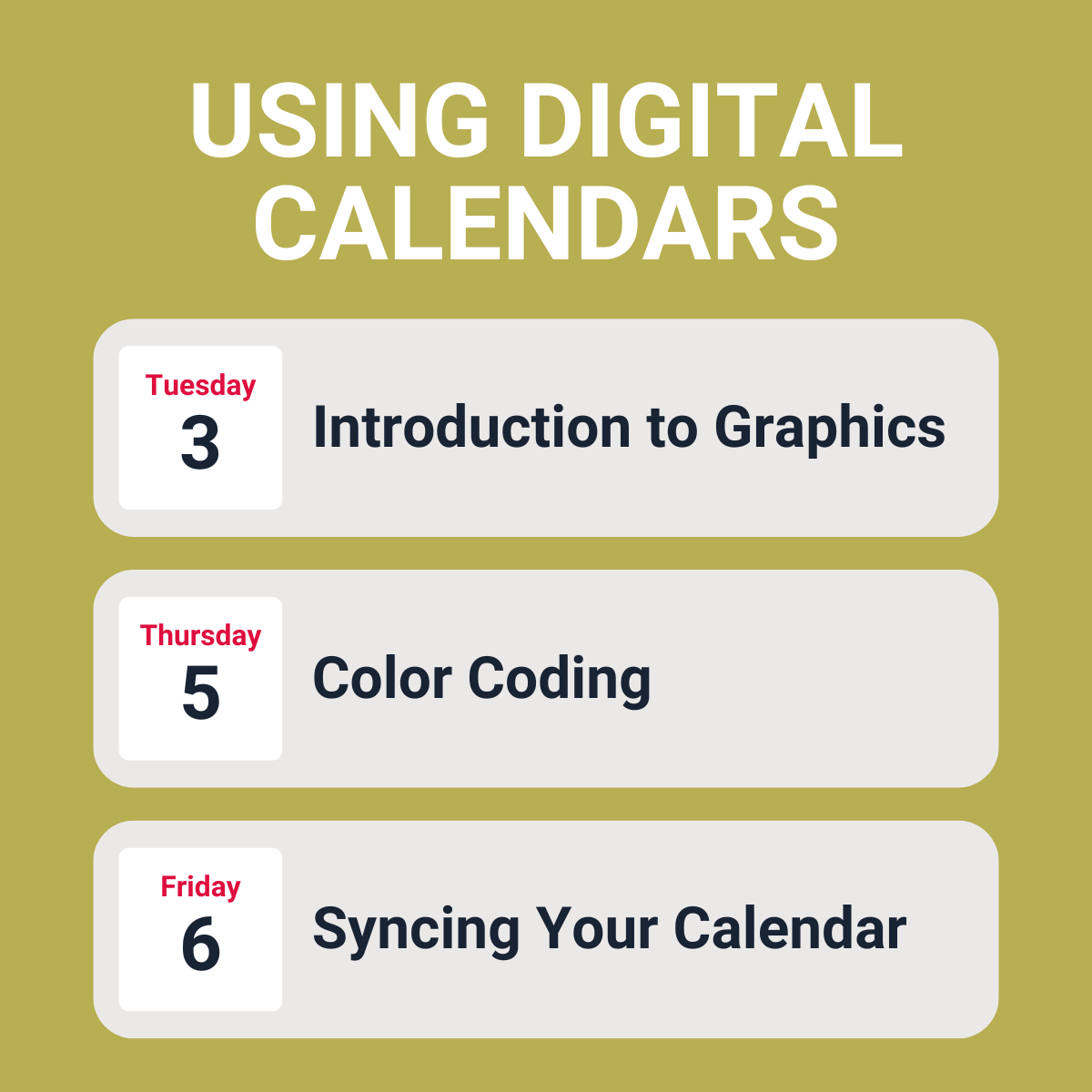
As educators, keeping track of schedules, deadlines, and various commitments can quickly become overwhelming. Thankfully, online calendars like Google Calendar and Outlook have emerged as invaluable tools for managing time efficiently. Google Calendar integrates well with other Google services, while Microsoft’s Outlook calendar does the same for those in the Microsoft universe.
Using an online calendar can revolutionize how you manage your day-to-day responsibilities. One of the greatest advantages is the ability to share your calendar with colleagues, students, or parents. This feature promotes transparency and collaboration, ensuring everyone is on the same page.
Additionally, online calendars are accessible from multiple devices, meaning you can check or update your schedule whether you're at your desk, in the classroom, or on the go. This accessibility is particularly useful when unexpected changes occur, allowing you to adjust your plans in real-time. Furthermore, the option to create multiple calendars within a single account is a game-changer. You can maintain separate calendars for different classes, projects, or personal tasks. This level of organization helps keep your professional and personal lives balanced, reducing stress and increasing productivity.
Getting started with an online calendar doesn’t have to be daunting. It’s best to begin small by transferring your most critical tasks and deadlines to an online platform. Start with your teaching schedule, including class times, office hours, and meetings. As you become more comfortable, you can gradually add more details, such as assignment due dates, school events, and reminders. The key is to build your calendar progressively, allowing it to grow into a comprehensive tool that supports all aspects of your teaching life. As you get used to using it, you’ll find that it not only keeps you organized but also provides peace of mind, knowing that your time is well-managed and your responsibilities are in order.
Tips and Tricks
For those of you who really, REALLY like their paper planner, going digital is not something in your top ten things to do. However, the switch could actually be fun, especially with some of these tips.
Emoji Titles!
When creating an event on your calendar, don’t hold back from using emojis in the title! You can make upcoming events more eye catching for your students and also give you an idea on what the event is about.
For example, the title Quiz #2 - Fractions is very practical, but ‼️ Quiz #2 - Fractions ¼ stands out a little more. Elementary teachers could have a calendar shared with the students showing their weekly scheduled specials, and 🎶Music, 🏃Phys Ed, and 🎨Art all have a nice look to them.
Color Code Events
While you can set colors for each one of your calendars, you can also label/categorize events in those calendars, which will color code like events.
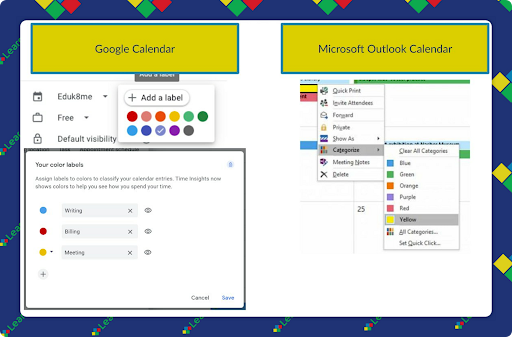
A label/category could be created for assessments and assigned a color. You or a student will be able to quickly see when there are assessments.
I’m all for separating your work and personal life, but there are times when you need to schedule something at work and want to make sure there isn’t something going on in your personal life and vice versa. There are two ways to access your calendars from a different account.
Subscribing - If you subscribe to your personal calendar, you can see events and details but you can’t change them. You also cannot add events to the calendar.
Sharing - When a calendar is shared, you can set the permissions on how much can be edited on the calendar. I share my personal calendar to my school account with full permissions. That way I can add, edit, or remove events from my personal calendar from my school account and not have to log in with my personal account.
Extra Credit
Did you know Maurice Sendak's first professional illustrations were for a 1947 science book about nuclear physics? His high school physics teacher approached him to illustrate Atomics for the Millions, aimed at explaining nuclear science post-WWII. The book, co-authored by Hyman Ruchlis and Leigh Eidinoff, features whimsical illustrations that reveal early postwar anxieties about nuclear war. Despite expressing disappointment with his work later in life, the illustrations showcase the budding talent of the future creator of Where the Wild Things Are.
Google Meet will now open automatically in picture-in-picture mode when you switch tabs. This will be nice to have, I’ve lost track of how many times I’ve been in a Meet and the other people have lost track of which tab the Meet is taking place.
In response to a sharp decline in bus drivers, Colorado Springs School District 11 turned to AI technology from HopSkipDrive's RouteWise AI to optimize their transport routes. This AI solution assesses all available vehicles to create efficient routes, significantly reducing the number of bus routes needed and saving the district over half a million dollars annually. The most surprising aspect of the plan is that it took into account methods of transportation that might otherwise not have been thought of, like using Uber or Lyft.
🙋♂️ Bytes and Insights is co-authored by Eduk8me’s Ryan Collins who writes about education and educational technology. He is also the Director of Technology for Kenton City Schools in Ohio. Sign up for his Of Bits and Bytes newsletter at https://eduk8.me!