ETLA: A Year in Review and a Look Ahead to 2025
It’s incredible to reflect on the growth and progress we’ve made together as we wrap up the first six months since the development of the EdTech Leaders Alliance (ETLA). ETLA was founded to bring together Ohio’s educational technology leaders who are passionate about using technology to create innovative, equitable, and effective learning environments. Here’s a look back at what we’ve accomplished and a preview of what’s ahead in 2025.
Growth
In just one year, ETLA has grown from an idea into a thriving community of educators, technology specialists, and administrators across Ohio and beyond. This year has been all about building connections and laying the groundwork for a sustainable future.
Conference
Our October conference at the Nationwide Conference Center in Columbus was a pivotal milestone. Bringing together keynote speakers like Colin Seale, Jen Mott, Ken Shelton, and Keith Krueger, the conference provided a platform for thought leadership, hands-on workshops, and peer-to-peer learning. Attendees explored topics from cybersecurity and student data privacy to strategies for implementing accessibility in schools, all while building lasting professional relationships.
Webinars
ETLA tackled timely topics such as Ohio Bill SB29 and its implications for educational technology. These virtual events allowed us to reach members across the state and provided actionable insights to help districts adapt to ever-changing landscapes in policy and practice.
Resources
One of our proudest achievements is the launch of our newsletter The Vibe and podcast The Beat. These resources provide timely updates, expert insights, and a platform for sharing best practices within the ETLA community.
Upcoming in 2025
Looking ahead, we’re excited to build on this year’s successes with an ambitious agenda for 2025:
- ETLA 2025 Conference: Building on the momentum of this year, next year’s conference will feature even more diverse voices, advanced workshops, and networking opportunities.
- 2025 Webinar Series: Next year’s webinars will dive deeper into critical topics like meaningful leadership, building a teacher brand, collaborative EdTech Communities, and any updates on state and federal policies affecting education technology.
- ETLA Unplugged: We’re launching our take on Office Hours, where our members can meet twice a month to catch up and collaborate with one another in an informal, supportive environment.
ETLA’s Commitment to Educators
At ETLA, our mission remains steadfast: to empower educators with the tools, knowledge, and networks they need to lead the way in educational technology. As we look to 2025, we’re more committed than ever to supporting our members, advocating for equitable access to technology, and creating opportunities for growth and innovation.
Thank you for being part of this journey. Together, we are shaping the future of education, one step at a time. If you have questions about ETLA or would like to join us, please visit us at edtechleadersalliance.org. Here’s to an even brighter 2025!
Getting Started With a Personal Knowledge Management System
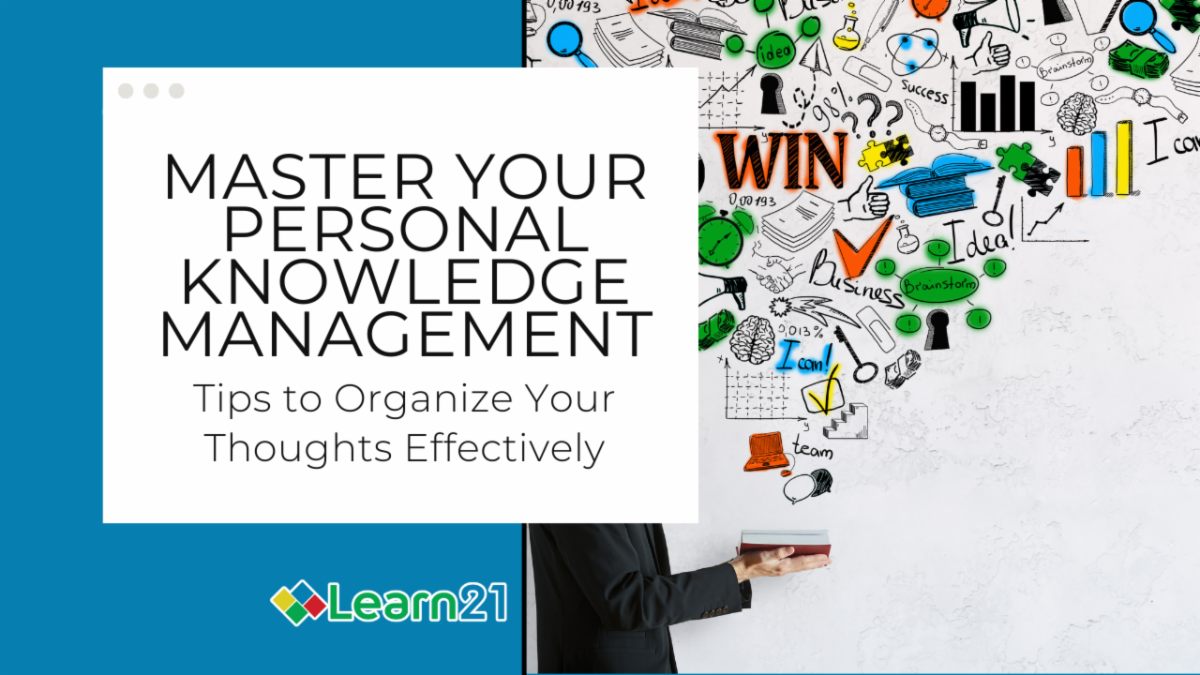
Every day, teachers are bombarded with information — lesson plans, emails, student data, and ideas we want to remember later. On top of that, there are tasks to complete, meetings to prep, and goals to track. Without a solid system and set of procedures, it’s easy to feel overwhelmed. This is where a personal knowledge management (PKM) system can help! It’s a way to organize the chaos so we lower the cognitive load of remembering all we have to remember and allow us to get things done efficiently.
What is a Personal Knowledge Management System?
A personal knowledge management system is a method for capturing, organizing, and retrieving information. Think of it as a central hub for everything you need to keep track of, from your to-do lists to your professional development ideas. A good PKM helps you stay organized and find information quickly. The key is having a reliable place to store your thoughts and data.
Ways to Manage Your Personal Knowledge System
For some, nothing beats the simplicity of a good old-fashioned notebook and pen. Writing things down by hand can help you process information and remember it better. Plus, there’s something satisfying about crossing tasks off a paper list. You can use different sections of a notebook for lesson plans, meeting notes, and personal reflections, keeping your ideas organized and easy to reference.
Apps Available
If you prefer a digital approach, there are plenty of apps designed to make knowledge management seamless. Here are some popular options:
- Google Keep: A simple app for quick notes, checklists, and reminders. It syncs across devices, so your ideas are always at your fingertips.
- Apple Notes: Perfect for iOS and macOS users, this app lets you create rich-text notes with images, checklists, and sketches.
- Notion: A powerful tool for those who love customization. You can create databases, link notes together, and even collaborate with others.
- TickTick: A hybrid task manager and note-taking app, great for keeping track of to-dos and deadlines.
Help Me Decide How to Get Started
Choosing the right personal knowledge management system is, well, personal! The most important thing is to pick a system that feels natural and easy for you to use. If you enjoy the tactile experience of writing, start with a notebook. If you’re glued to your phone or computer, try out a few apps to see which one clicks.
Remember, your PKM system doesn’t have to be perfect from the start — it’s a work in progress. Experiment, adapt, and don’t be afraid to change if something isn’t working. What matters is that your system helps you stay organized and gives you peace of mind. This is a perfect time to see which PKM might be a good fit for you. With the winter break around the corner you can direct your energy to finding systems that work for you in the new year.
Tips and Tricks
How to Add a Timer to Your Google Slides
Keeping lessons interactive and time-bound can be helpful for classroom management. Adding a timer to your Google Slides allows you to manage activities efficiently, helping students stay focused and on track. Whether you're running a brainstorming session, a quiz, or group work, embedding a timer into your slides is a simple way to make classroom management smoother.
Two Ways to Add a Timer
1. Embed a YouTube Video Timer
An easy and straightforward way to add a timer to your slide is by embedding a YouTube video that displays a countdown. Follow these steps:
- Search for a countdown timer video on YouTube for the duration you need (e.g., 1-minute, 5-minute, or 10-minute timers).
- In Google Slides, select the slide where you want the timer.
- Go to Insert > Video and paste the URL of your chosen YouTube timer video.
- Resize and position the video where you'd like it to appear on your slide.
- Click on the video and select Format Options. Under Playback, choose "Start at 0:00" and check the box for "Play (automatically)."
This method is great for adding a professional, visual countdown to your presentations without much setup.
2. Use the "Slides Timer" Add-On
If you need a more customizable timer or want to avoid relying on YouTube, you can use an add-on like Slides Timer. This method is ideal if you want a simple, built-in countdown without using external videos. It also offers greater flexibility in terms of duration and visual customization.
- Open your Google Slides presentation.
- Go to Extensions > Add-ons > Get add-ons and search for Slides Timer.
- Install the add-on and grant the necessary permissions.
- If you already had your Slides presentation open, then refresh the page.
- Timers are added by specially formatted text in text boxes. Add a text box. In the text box where you want a timer you’ll add the timer in the format of <<5:00->>. It starts with 2 less than signs, and then the time of the timer. A - will create a countdown timer while a + will count up. End the code with two greater than signs.
- When presenting, the timer will automatically start. To pause the timer press d and to reset it, press e.
- There are a ton of other features that you can read about on the extension’s page.
Be sure that using visual timers is helpful for your students. Check 504 and IEP plans to ensure students have the appropriate amount of time to complete assignments and tests. Also, consider students who may feel more anxious with a presence of a visual timer. Visual timers can be helpful for many students but should be used thoughtfully.
Extra Credit
Google Docs is rolling out 40 new templates for Google Docs. This is pretty exciting because I don’t think I’ve ever created a Google Doc from a template and now I have a reason to check them out! The templates are for “pageless” documents and contain a couple of the new Google Docs features including tabs and placeholder chips.
I’ve seen quite a few instances where training is touted as the solution for everything that's not working. However, there are other resources that people often need instead of training. Issues like outdated processes, insufficient technology, and lack of management support are the real cause of issues, not merely a lack of training.
A recent study has shown that video game playing by kids is not a complete negative. Researchers found that kids who spent more time gaming experienced a boost of 2.5 IQ points compared to their less gaming peers. Although the increase isn't huge, it does show that video game playing isn’t having a negative effect. The study, which involved nearly 10,000 U.S. children and factored in genetics and socio-economic backgrounds, suggests gaming could boost cognitive abilities like memory and flexible thinking.
This is our last edition of Bytes and Insights for 2024. We will be back the second week in January and are excited to keep on sharing cutting edge ideas in EdTech and some new surprises in 2025! Stay tuned for more and have a wonderful and safe Holiday season!
🙋♂️ Bytes and Insights is co-authored by Eduk8me’s Ryan Collins who writes about education and educational technology. He is also the Director of Technology for Kenton City Schools in Ohio. Sign up for his Of Bits and Bytes newsletter at https://eduk8.me!