
From Tech‑Savvy to Tech‑Smart: Rethinking Digital Literacy Goals
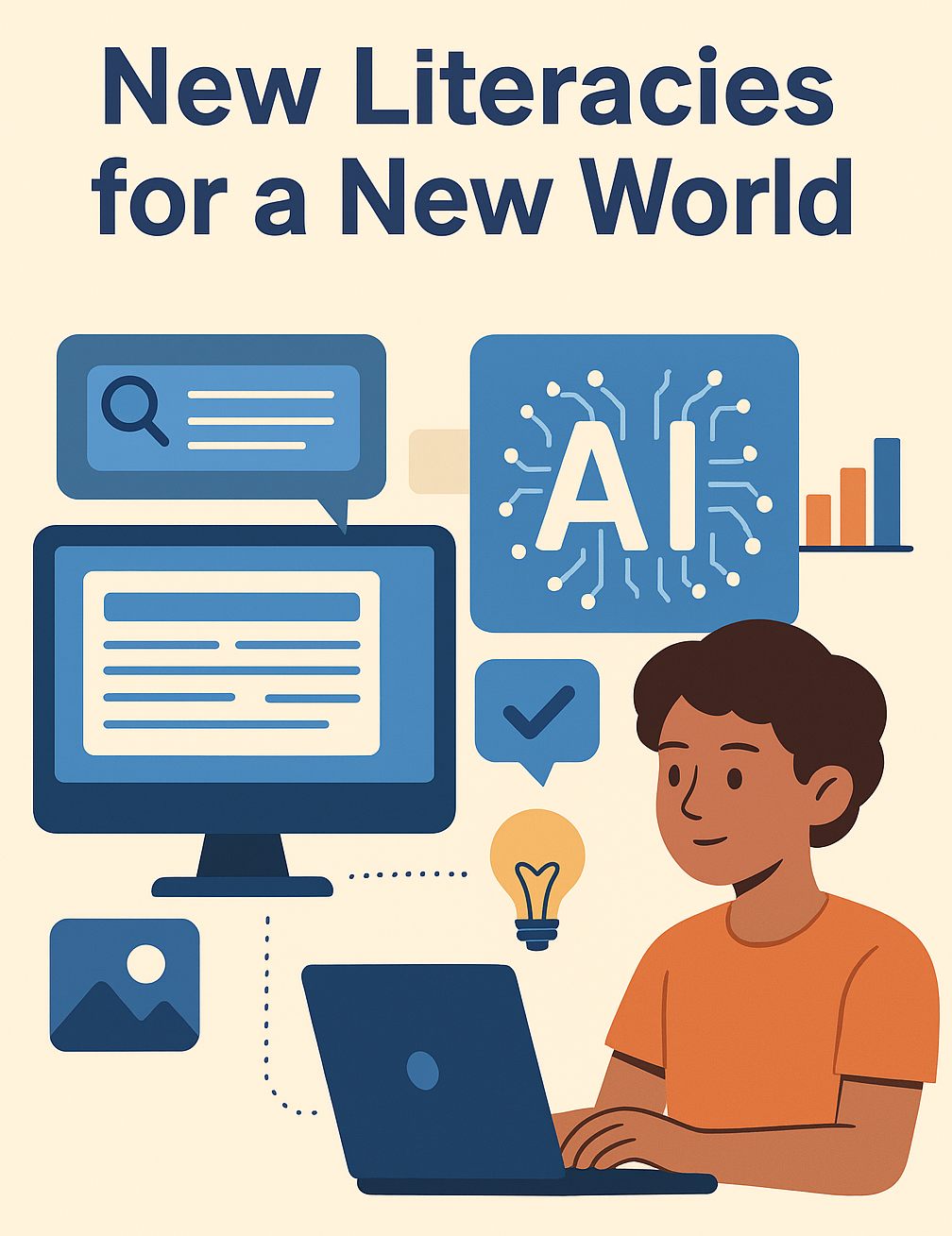
In classrooms today, educators are preparing students for a future that is both exciting and undefined. Technological change is outpacing curriculum cycles, and what constitutes “literacy” is no longer confined to reading, writing, and arithmetic; literacy has expanded to include media literacy (understanding how media influences perception), information literacy (navigating and evaluating sources), and even visual and data literacies. These disciplines help students analyze and create content thoughtfully. But foundational literacies alone are not enough when algorithms now curate what students see, artificial intelligence can complete assignments, and misinformation travels faster than truth. Today’s learners are not just decoding texts. They’re navigating an information ecosystem shaped by algorithms, manipulated by deepfakes, and flooded with synthetic content. To thrive in that world, we must evolve our teaching to include new forms of literacy that are deeply contextual, critical, and adaptive.
New Literacies for a New World
For decades, we’ve relied on a familiar set of literacies to prepare students for the world: reading and writing, media awareness, information evaluation, and tool proficiency. These are still essential, but in the age of generative AI, they must be expanded.
Take AI Literacy, for example. It’s no longer enough to teach students how to use AI tools. They need to understand how these tools work: how large language models generate content, where bias might creep in, and how to craft prompts that elicit trustworthy, useful results. This is the new “reading and writing”—except the text responds, and it learns from what you feed it.
Similarly, our traditional focus on media and information literacy must now make room for visual AI literacy. Students need to know how to spot a deepfake not just by instinct, but by analyzing lighting anomalies, facial movement inconsistencies, or the lack of credible sourcing. They must ask, What am I seeing and why was it made? Critical evaluation isn’t optional.
Even the skill of information evaluation, long a mainstay of critical thinking instruction, is undergoing a shift. In a world of viral disinformation, students need prebunking (warning students in advance about misinformation techniques) and critical reasoning skills that train them to anticipate misleading tactics before they encounter them. Recent research suggests that educational interventions that combine prebunking with AI‑powered critical thinking training builds resilience against disinformation. Instead of simply debunking false content, these methods strengthen the reasoning skills students need. AI plays a role here, not as a crutch, but as a tool to scaffold analysis.
And while tool proficiency once meant learning to navigate Word or Google Docs, today’s equivalent is ethical and algorithmic literacy.
Students should understand how platforms curate their feeds, how recommendation systems reinforce bias, and how their data is used in ways they may not see. At the Stanford Graduate School of Education’s live event in May 2025, Sam Wineburg emphasized the need to prepare students to distinguish fact from fiction and to verify source credibility before accepting information. He argued that students are living digital lives—they must be taught to navigate that terrain thoughtfully. Just as we once taught students to cite their sources, we must now teach them to question the source of the source.
Lastly, we must move past surface-level tool use, the kind of tech integration that checks a box without changing how students think. What’s needed is reflective tech engagement: a mindset that sees technology not as neutral or inevitable, but as something to be designed, critiqued, and improved. It’s the difference between asking, How do I use this app? and What is this tool doing to me, my learning, and my community? The World Economic Forum’s recent Information Resilience Mapping Model reinforces this shift. It calls for a more comprehensive, lifelong approach to media and information literacy that equips individuals not only to access and consume digital content, but to critically engage with the systems behind it. This level of deep digital fluency is essential if we want students to move from being passive users to empowered co-creators of the digital world.
From Awareness to Action
So how do we move from awareness to action? Addressing the challenges of an AI-driven world doesn’t mean overloading teachers or students with more content. It means redefining what literacy looks like in the 21st century.
Several forward-thinking frameworks are already offering practical guidance. The OECD’s 2025 draft AI literacy framework defines AI literacy as a blend of knowledge, skills, and attitudes: enabling students to engage with, manage, and design AI responsibly, while critically evaluating its social impact.
Similarly, Zhang and Magerko (2025) propose a generative AI literacy framework with timely guidelines: selecting or crafting prompts, understanding system behaviors, interacting consciously with outputs, and possessing high-level insight into AI. These guidelines aim to support both effective and ethical use of generative tools.
Ultimately, these shifts aren’t about adding more to already-overloaded classrooms. They’re about reorienting literacy around what matters most: discernment, ethics, creativity, and agency. The goal isn’t just to help students survive the digital future. It’s to help them shape it.
Media Literacy Minute
Algorithms aren’t just curating your feed — they’re shaping your worldview
This deep dive explores the “echo chamber effect,” where content-reinforcing algorithms narrow the range of perspectives we encounter. For schools, the challenge is not just teaching students to identify bias, but also to actively seek out disconfirming evidence and diverse voices.
Your device may influence your susceptibility to cybercrime
In a recent study, researchers found that user responses to phishing attempts varied depending on whether they were on a smartphone, tablet, or computer. This has big implications for digital safety instruction. Media literacy must prepare students for platform-specific risks, not just general online safety rules.
Decision-making is the foundation of media literacy
This article argues that before students can analyze information effectively, they need strong decision-making skills that help them weigh evidence, assess consequences, and choose a course of action. Media literacy isn’t just about what we know, but how we decide what to believe and share.
Digital Wellness in a Click: Digital Tools That Actually Support Student Wellness
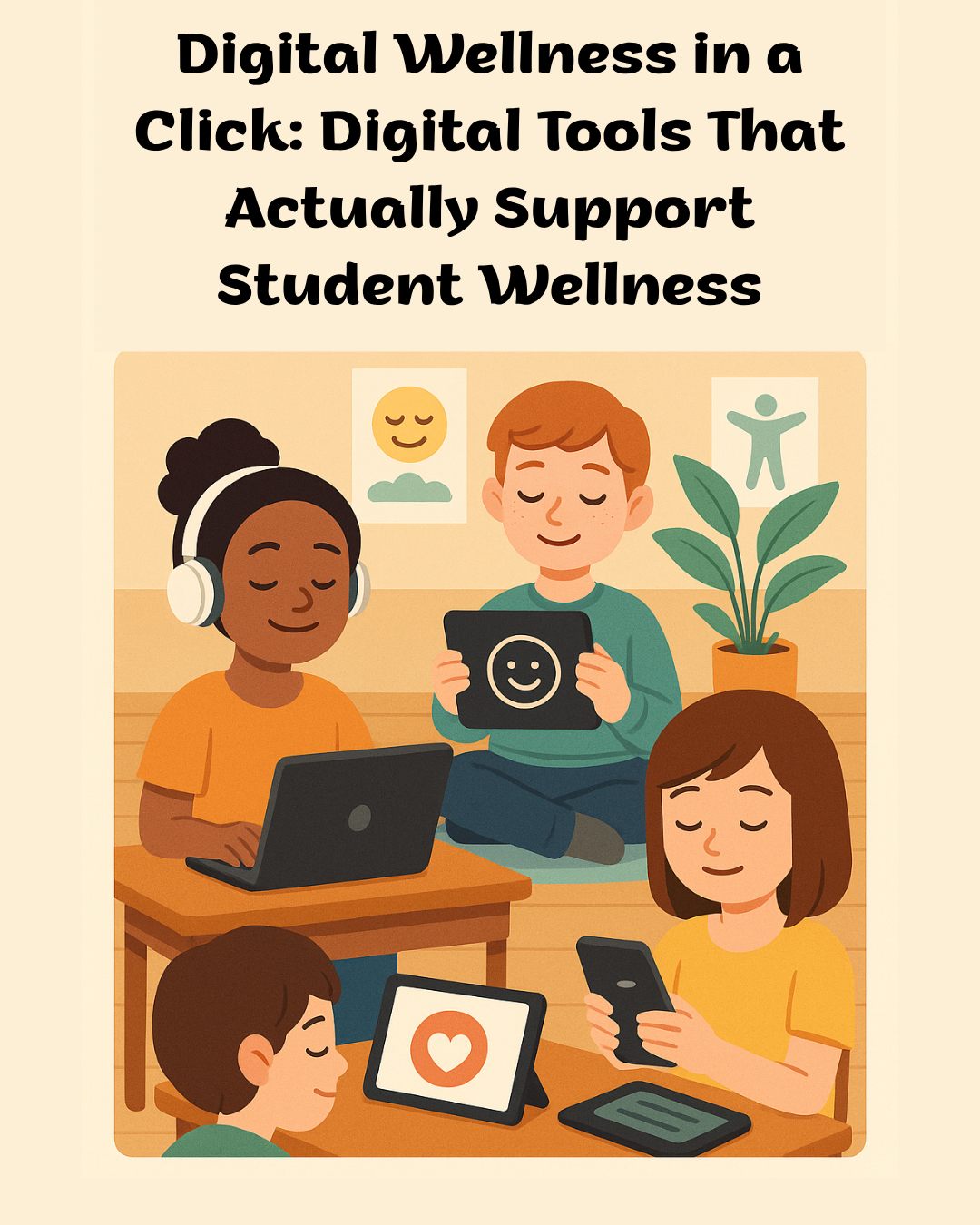
In the rush to bring the latest technology into classrooms, student wellness sometimes gets overshadowed by efficiency and productivity. In a learning environment where screens are ever-present, wellness is no longer a nice-to-have. It is essential. Supporting student mental, emotional, and social well-being is just as important as building their academic skills. The good news is that the right digital tools can help do both.
Why Digital Wellness Matters
Digital wellness is not only about reducing screen time. It is about making screen time meaningful. Students spend much of their school day navigating devices, and the way those tools are used shapes their focus, mood, and overall learning experience. When thoughtfully chosen, digital tools can help students develop self-awareness, manage stress, and build resilience in a fast-paced, tech-saturated world.
Tools That Make a Difference
1. Mindfulness and Focus Apps
Platforms such as Headspace for Educators and Smiling Mind offer short, guided mindfulness exercises that fit seamlessly into the school day. These can range from one-minute breathing techniques to ten-minute guided meditations. Before a test or after a challenging lesson, students can use these tools to center themselves and reduce anxiety. Research shows that regular mindfulness practice improves focus, emotional regulation, and classroom climate.
Real-world example: A middle school teacher starts every Monday and Friday with a three-minute Smiling Mind meditation. Students sit quietly, listen to calming audio, and then share one word about how they are feeling. Over time, students report feeling more focused and less anxious about upcoming quizzes.
2. Emotion Check-In Platforms
Tools like Along give students structured ways to share how they are feeling. For example, a student might select an emotion from a visual chart or respond to a simple daily question like “What is on your mind today?” This information can help teachers spot patterns such as recurring anxiety before presentations or stress during certain times of the school year. The data can then inform targeted support and early intervention.
Real-world example: An elementary teacher uses Along every morning as students log into their devices. The teacher reviews the class’s overall “mood snapshot” and adjusts the day’s activities. If many students are showing fatigue, the class might start with a movement break instead of silent reading.
3. Digital Journaling
A private Google Doc with teacher prompts allows students to reflect on their thoughts and emotions. Students can set daily reminders to record one success, one challenge, and one goal. Over time, this helps them identify emotional triggers, track their growth, and improve their ability to express themselves clearly. Journaling can also serve as a safe outlet for students who may struggle to talk about their feelings out loud.
Real-world example: A high school English teacher incorporates a five-minute journaling period at the start of class using Google Docs. Once a week, students respond to prompts such as “What is one thing that is going well for you this week?” or “What is one challenge you want to work through?” Students can choose to share with the teacher privately or keep their entries confidential.
4. Movement and Brain Break Tools
Tools such as GoNoodle bring quick, physical activities into the digital classroom. For example, every thirty minutes an alert may pop up reminding students to stand up, stretch, or complete a 60-second dance challenge. These short breaks not only boost energy levels but also improve concentration and mood. Integrating movement into the school day has been shown to reduce stress and increase on-task behavior.
Real-world example: A fifth-grade class uses GoNoodle during long project sessions. When the tool signals a break, the teacher plays upbeat music, and students do a two-minute stretching routine. Students say the breaks help them “reset” and return to work with more energy.
Building a Wellness-First Digital Culture
Simply adding a wellness app to the classroom will not create meaningful change. The shift happens when digital wellness becomes part of the overall school culture. This means embedding check-ins into daily routines, modeling balanced technology use for students, and training staff to integrate wellness tools intentionally rather than as an afterthought. It also means using tools that are safe for students and making sure that these companies have signed DPAs.
When students understand that technology can support their well-being as well as their academic work, they are more likely to develop healthy lifelong habits.
In a time of constant connectivity, the most valuable digital tools are the ones that remind us to pause, breathe, and reconnect with ourselves. By weaving wellness into our digital practices, we are not just helping students succeed academically. We are helping them thrive as whole, balanced individuals.
Big Ideas
Meta’s Wristband Reads Intentions, Not Movements
Meta is testing a wristband that interprets nerve signals so precisely it can type letters you only think about moving. This technology could make interacting with computers as seamless as thought itself and could radically improve accessibility tools. While still experimental, it raises provocative questions: What happens when devices don’t just respond to our actions, but anticipate our intent? [New York Times]
The Unexpected Story Behind Your Screen
Ever wonder how a screen really works? This deep dive unpacks how your phone or laptop transforms data into glowing pixels from liquid crystals and electric fields to the software that controls refresh rates. It’s a reminder that even the most everyday tech is powered by layers of ingenious design. Next time you tap your screen, consider the symphony of physics behind that simple click. [Making Software]